Office 365 Backup Cloud
Discover the unique aspects of Office 365 Backup Cloudthat simplify tasks and enhance your experience. Let’s explore these features that are designed to optimise your workflow.
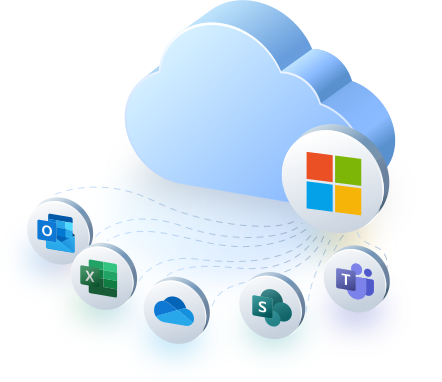
Key Features of Office 365 Backup Cloud

Automated Backup Scheduling
With Office 365 Backup Cloud, you can automate backup schedules to occur at regular intervals, ensuring that your data is consistently backed up without manual intervention. This feature significantly reduces the risk of data loss due to outdated backups and allows your IT team to focus on other critical tasks.

Secure Encryption of Data
Security is paramount; that’s why our cloud backup solution utilises advanced encryption protocols to protect your data both at rest and in transit. This layer of security ensures that your sensitive information is safeguarded against unauthorised access, giving you confidence in the integrity of your backups.

Point-in-Time Restoration
Office 365 Backup Cloud offers flexible point-in-time recovery options. This means that in the event of data loss, you can restore your data to the specific moment right before the loss occurred, thus helping you avoid the consequences of data corruption or deletion with minimal impact on your operations.
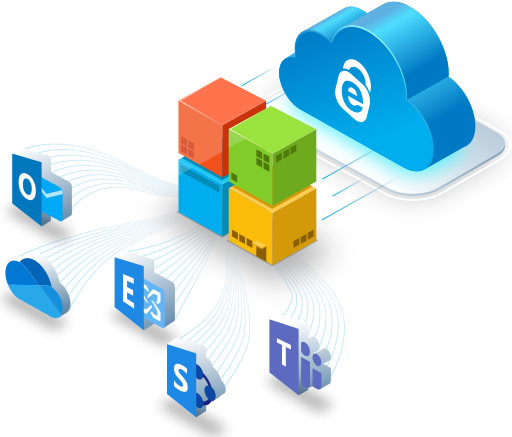
Office 365 Backup Cloud solutions are specifically designed to protect and safeguard critical data within your Microsoft Teams, SharePoint sites, and other components of your Office 365 suite. These comprehensive backup and recovery services ensure that your data is securely stored and easily accessible whenever needed. With unlimited backup storage and unlimited data retention, you can confidently store backups of your files, emails, and various other data in both local and global data centers.
By implementing a robust data protection solution, you can effectively safeguard against accidental or malicious data loss, including threats like ransomware and phishing attacks. The easy-to-use restoration processes offered by these services enable quick data recovery, minimizing downtime and helping to maintain business continuity.
With Office 365 Backup Cloud solutions, you can have peace of mind knowing that your critical data is securely stored and protected, allowing you to focus on your business without worrying about potential data loss.
Becoming a Customer
Step: 1

Initial Inquiry
Step: 2

Advice
Step: 3

Set Up
Step: 4

Call for Support
Step: 5

Billed in Arrears
What Services include Office 365 Backup Cloud?
You can purchase this product separately or as part of one of our support packages. You can find out more about these support packages below.
FAQs
What is Office 365 Backup Cloud?
Office 365 Backup Cloud is a service that offers secure, automated backups of your Office 365 data, including emails, files, and other essential suite components. It’s designed to protect against data loss and facilitate quick data recovery. With backup data storage and local storage options, you can easily restore files whenever needed.
How does Office 365 Backup Cloud protect against ransomware?
The service helps prevent ransomware damage by ensuring you have a secure and recent backup of your data that can be quickly restored, circumventing the need to negotiate with attackers.
Can I control how often my data is backed up?
Yes, Office 365 Backup Cloud allows you to set automated backup schedules at regular intervals that best meet your organization’s needs, providing consistent and up-to-date data protection.
Are there any storage limits for backups?
Our service typically offers scalable storage options to suit the needs of your organization. It’s best to check with your plan details or contact support for specifics regarding storage capabilities.
Is it possible to restore individual items, such as emails or documents?
Yes, Office 365 Backup Cloud offers granular recovery options, allowing you to restore individual items like emails, contacts, or files without the need to roll back your entire dataset.
How long does data recovery take?
Recovery times can vary but the process is designed to be as quick as possible to minimize downtime. The exact time will depend on the amount of data and specific recovery circumstances.
Are backups encrypted?
Certainly. Our cloud backup solution is designed to protect data by encrypting it both at rest and during transit, ensuring the highest level of security.
Can I access my backups from anywhere?
Provided you have the required credentials, you can access your backups from any location with an internet connection, offering flexibility and remote management capability.
What happens to my backups if I cancel the service?
If you cancel the service, your backups will be retained for a period as per the terms of your agreement. It’s important to extract any needed data before the end of this period.
How do I get started with Office 365 Backup Cloud?
Getting started is easy. Contact our sales team to discuss plan options, and once you’ve chosen a plan that suits your needs, we’ll guide you through the setup process.
Creators love #AEM
Systems
“On #AEM I’m able to partner with incredible brands that allow me to be creative and use my voice and style when it comes to creating content that I know will resonate with my audience and make an impact.”

Ilana Dunn — @seeingotherpeople
“On #AEM I’m able to partner with incredible brands that allow me to be creative and use my voice and style when it comes to creating content that I know will resonate with my audience and make an impact.”

Ilana Dunn — @seeingotherpeople
“On #AEM I’m able to partner with incredible brands that allow me to be creative and use my voice and style when it comes to creating content that I know will resonate with my audience and make an impact.”
Ilana Dunn — @seeingotherpeople
“On #AEM I’m able to partner with incredible brands that allow me to be creative and use my voice and style when it comes to creating content that I know will resonate with my audience and make an impact.”
Ilana Dunn — @seeingotherpeople
“On #AEM I’m able to partner with incredible brands that allow me to be creative and use my voice and style when it comes to creating content that I know will resonate with my audience and make an impact.”
Ilana Dunn — @seeingotherpeople
“On #AEM I’m able to partner with incredible brands that allow me to be creative and use my voice and style when it comes to creating content that I know will resonate with my audience and make an impact.”
Ilana Dunn — @seeingotherpeople